> ## Documentation Index
> Fetch the complete documentation index at: https://mintlify.com/kapishdima/fonttrio/llms.txt
> Use this file to discover all available pages before exploring further.
# Three fonts. One command.
> Curated font pairing registry for shadcn with one-command installation and live preview.
 ## Why Fonttrio?
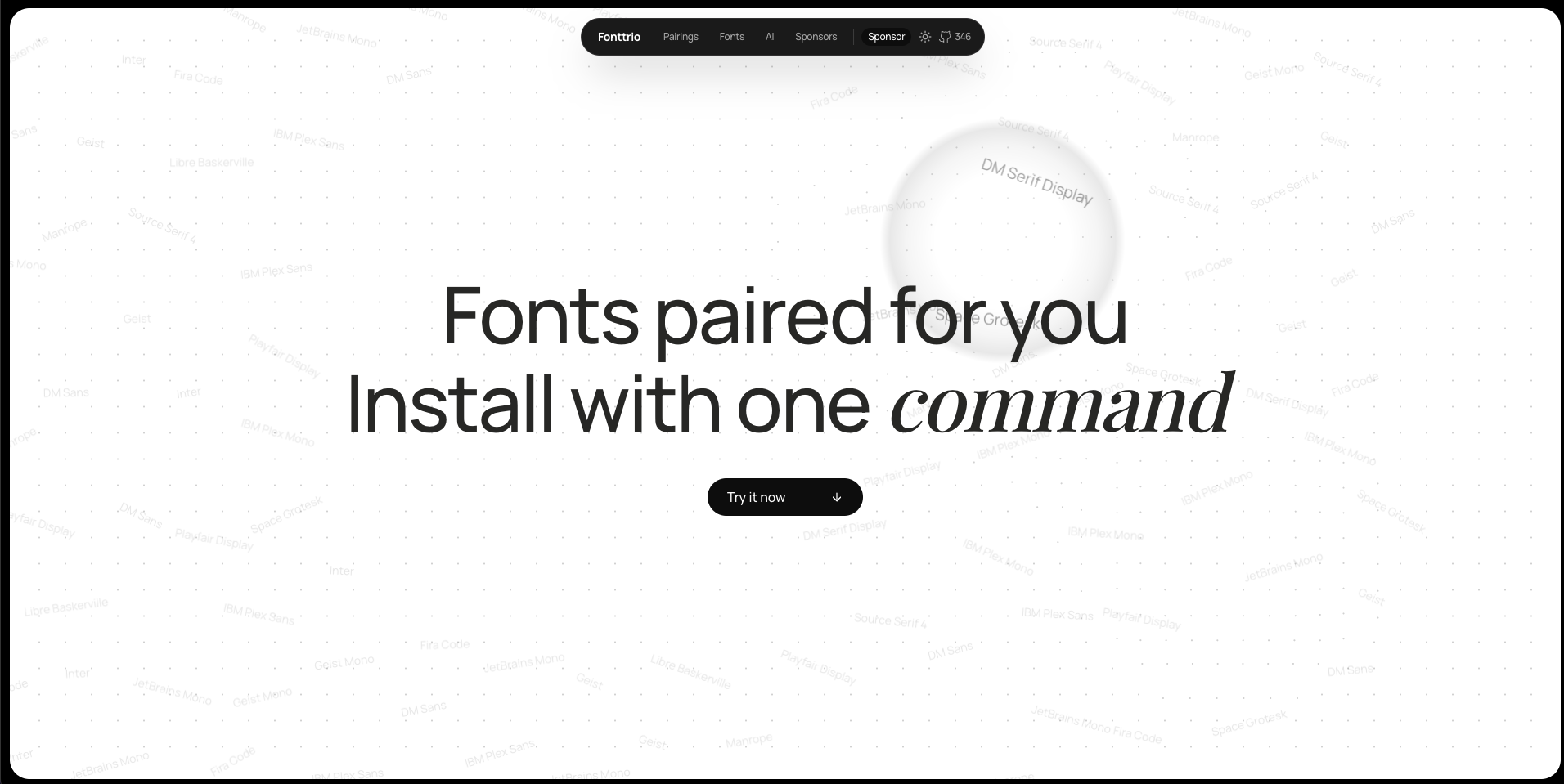
Building a typography system from scratch is time-consuming. Finding fonts that complement each other, establishing the right scale, and setting up CSS variables takes hours of work. Fonttrio solves this by providing **49+ ready-made, battle-tested font combinations** that you can install in seconds.
Install your first font pairing in under 30 seconds
Explore curated pairings from editorial to bold
Learn how to install and configure pairings
Integrate the registry into your own tools
## Key Features
From editorial to corporate, minimal to bold — professionally selected combinations
Install any pairing instantly via shadcn CLI
Each pairing includes h1 through body sizing with proper line heights and letter spacing
Ready-to-use CSS custom properties for easy theming
All fonts loaded from Google Fonts CDN
Works seamlessly with shadcn/ui's theming system
## Installation Preview
Install any pairing with a single command:
```bash theme={null}
npx shadcn@latest add https://www.fonttrio.xyz/r/editorial.json
```
The pairing automatically sets up:
* Font configuration via next/font
* CSS variables in your globals.css
* Typography scale through CSS
* All components can use the font variables immediately
Visit the live preview site to test fonts with your own text
## Why Fonttrio?
Building a typography system from scratch is time-consuming. Finding fonts that complement each other, establishing the right scale, and setting up CSS variables takes hours of work. Fonttrio solves this by providing **49+ ready-made, battle-tested font combinations** that you can install in seconds.
Install your first font pairing in under 30 seconds
Explore curated pairings from editorial to bold
Learn how to install and configure pairings
Integrate the registry into your own tools
## Key Features
From editorial to corporate, minimal to bold — professionally selected combinations
Install any pairing instantly via shadcn CLI
Each pairing includes h1 through body sizing with proper line heights and letter spacing
Ready-to-use CSS custom properties for easy theming
All fonts loaded from Google Fonts CDN
Works seamlessly with shadcn/ui's theming system
## Installation Preview
Install any pairing with a single command:
```bash theme={null}
npx shadcn@latest add https://www.fonttrio.xyz/r/editorial.json
```
The pairing automatically sets up:
* Font configuration via next/font
* CSS variables in your globals.css
* Typography scale through CSS
* All components can use the font variables immediately
Visit the live preview site to test fonts with your own text